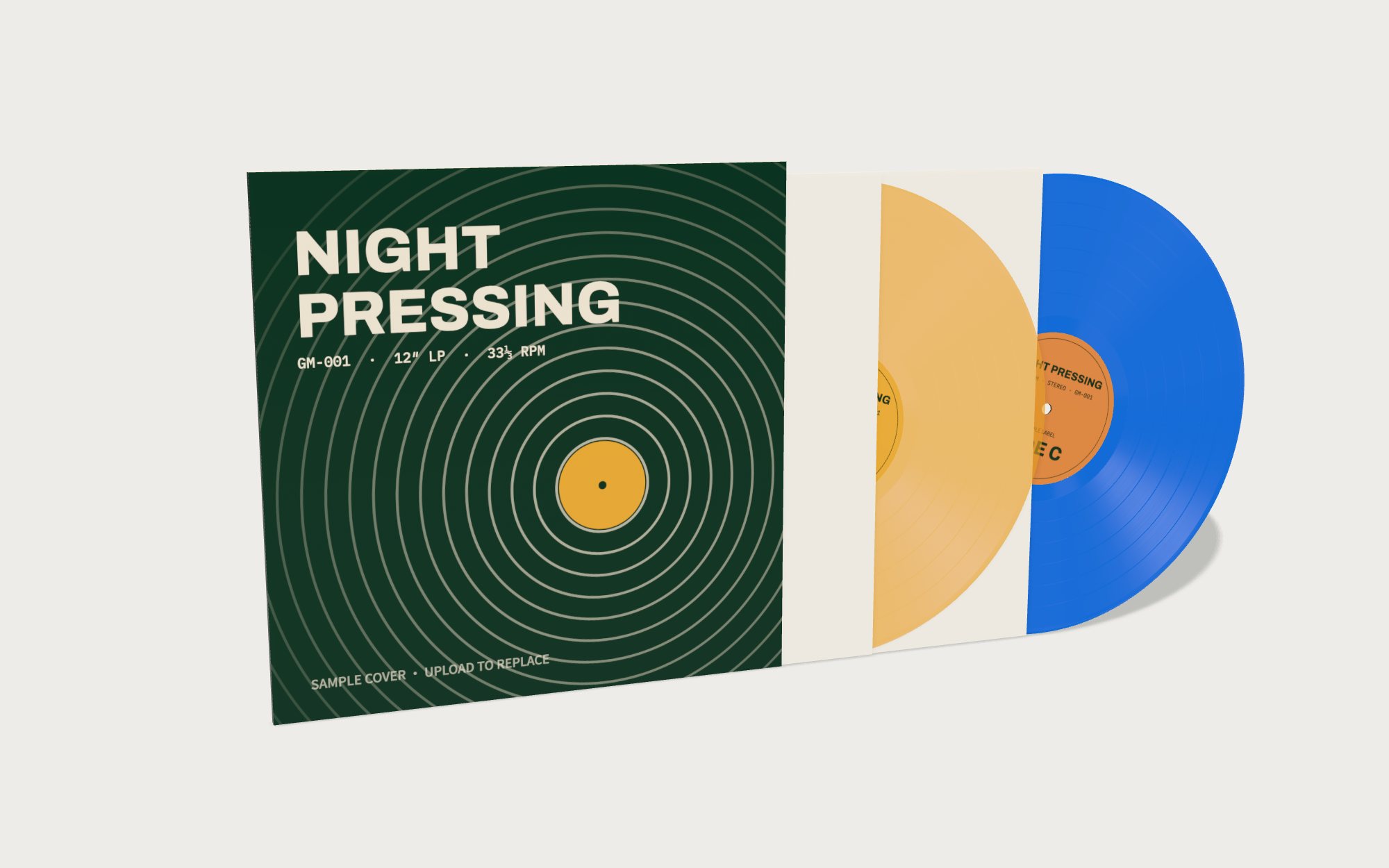
Preorder product image
Show the selected pressing color and how the record sits with its jacket.
Turn your finished album artwork into images for a preorder page, release announcement or pressing proposal. Build the jacket, choose the vinyl, then export a still or a short reveal video.
Use the same cover art across your store listing, social posts and pitch deck. Change the packaging details without rebuilding the artwork.
Upload your front cover and, if you have them, back cover, labels and gatefold artwork.
Choose one or two LPs, colored or translucent vinyl, sleeves, wrap, obi, stickers and edition numbers.
Download a PNG with a solid or transparent background, or export an MP4 or GIF reveal.
Show the selected pressing color and how the record sits with its jacket.
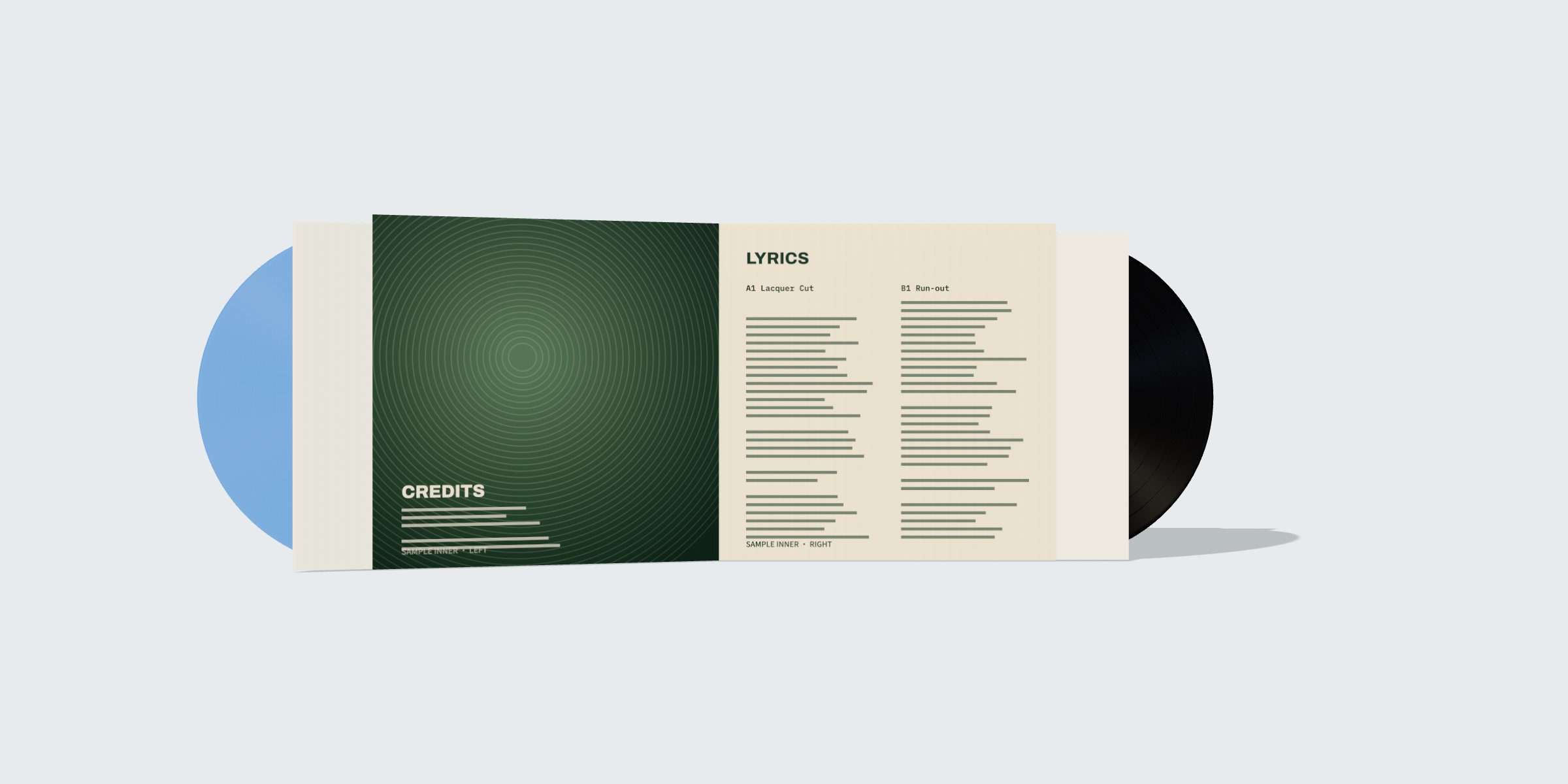
Give fans a view of the inner panels and two-disc package before production.
A short looping turn can show depth and finish in a release announcement. This sample uses the editor's built-in artwork.
The sample artwork is only a demonstration. Use artwork you own or are authorised to use. Before using a mockup for preorders, check that its colour, packaging and edition details match the actual release.
Open the free editor